


🔔 Key Signals, Now on LinkedIn.com

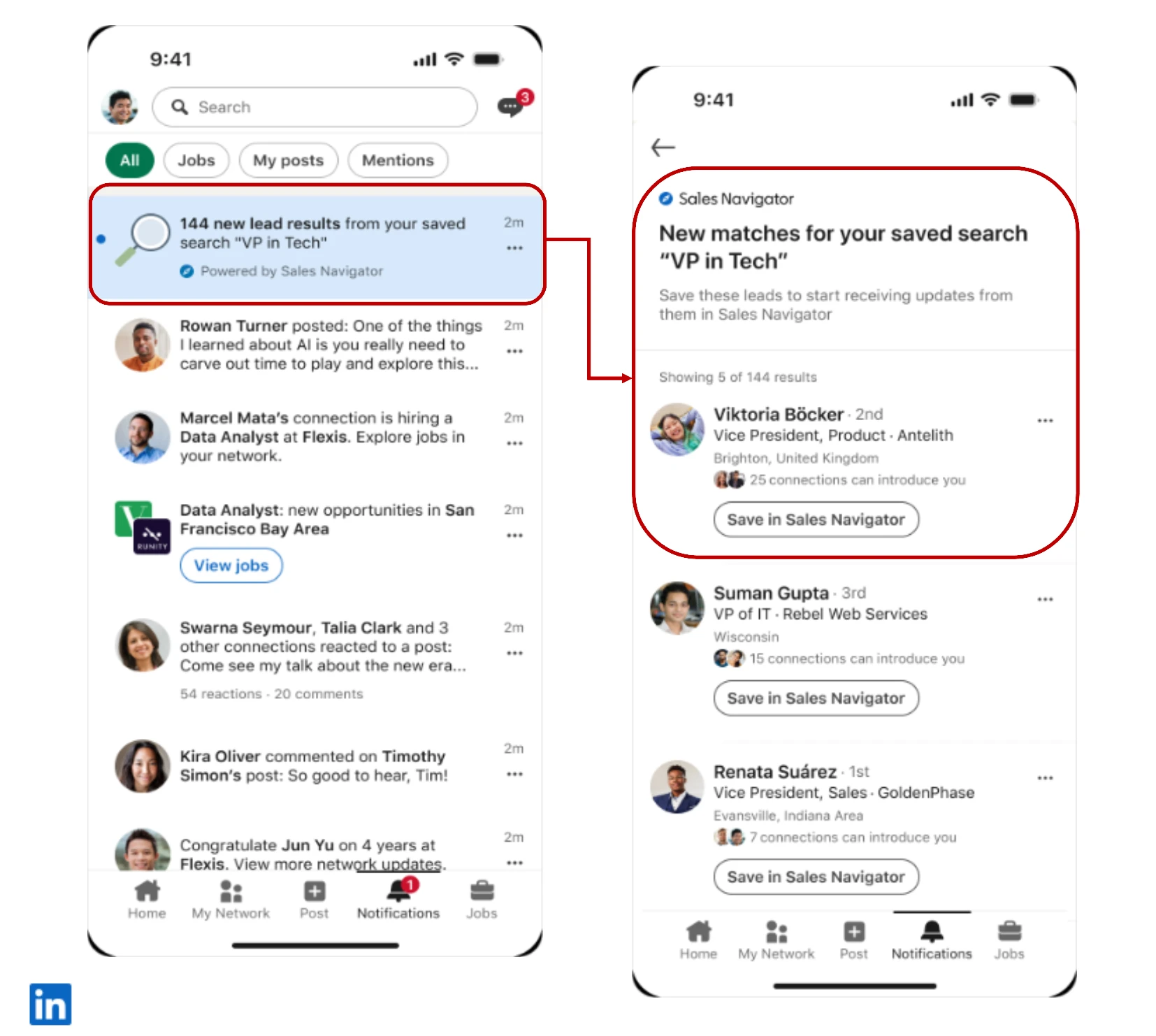
As quotas rise, every extra step between a signal and an action costs you. That's the Impact Gap: the growing divide between what sellers are expected to achieve and what their tools actually enable. One of the ways this release closes that gap is by making sure Sales Navigator comes to you, not the other way around.
That's exactly what the LinkedIn.com tie-ins are about.
What do these updates do?
There are two connected improvements here:
1. Sales Navigator notifications on LinkedIn.com mean key buying signals now arrive in your LinkedIn notifications, right where you already spend your day.
That includes:
- A saved lead being promoted
- A saved lead moving to a new company
- A senior hire at a saved or CRM account
- New results on your saved searches
2. Save Leads on LinkedIn.com lets you save a lead directly to Sales Navigator while you're researching someone on LinkedIn, without switching tools or losing your place.
Together, they bring trusted B2B network intelligence into the platform where 95% of Sales Navigator users already spend five or more days a week.
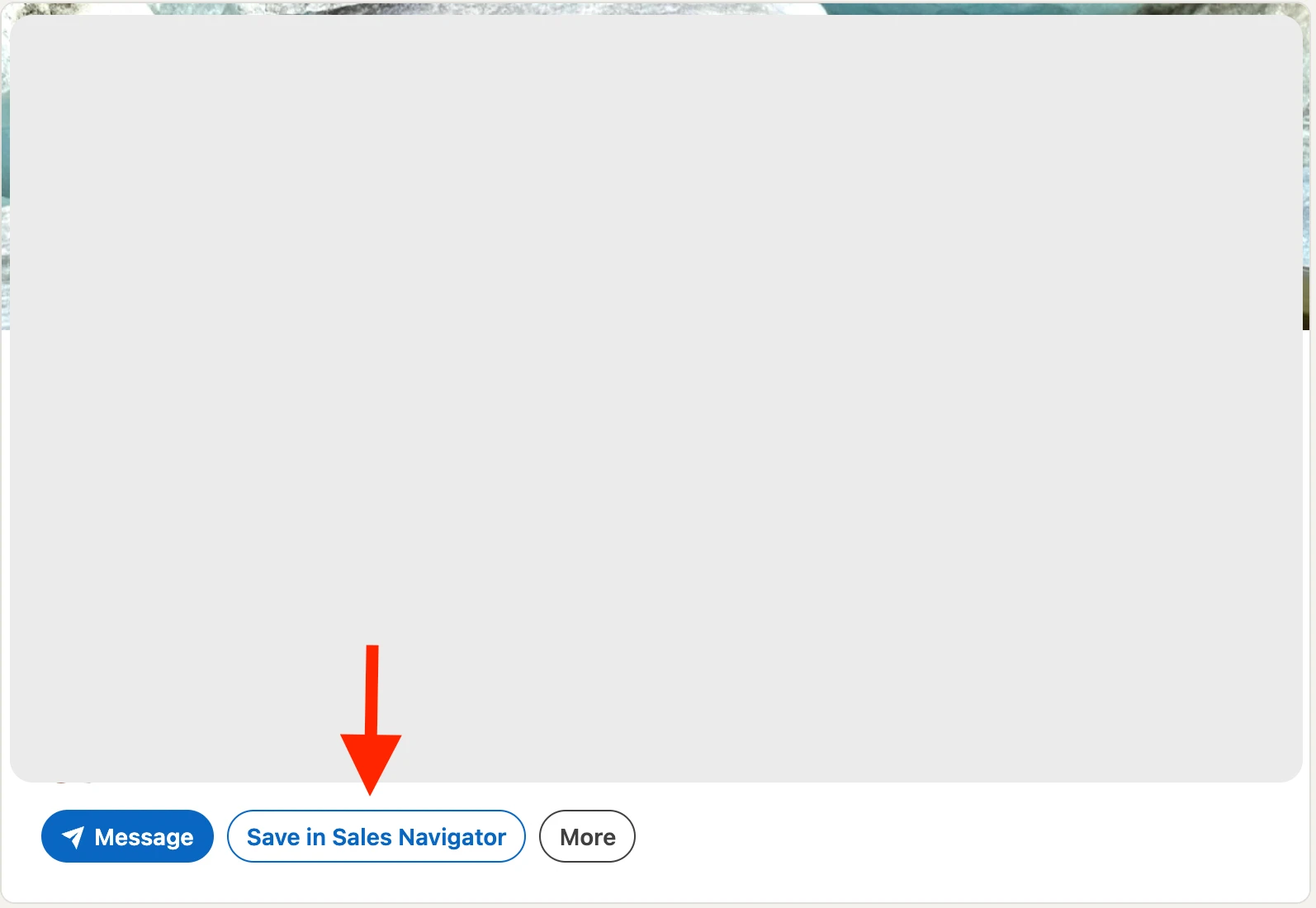
Sales Navigator notifications on LinkedIn.com and Save Leads on LinkedIn.com are available across Core, Advanced, and Advanced Plus plans.
Why does it matter for my quota?
Timing is everything in a deal. A champion getting promoted, a decision-maker changing companies, a new leader landing at a target account; these are the moments that can reopen a stalled conversation, unlock a new opportunity, or help you protect a deal that's already in motion. When those signals reach you where you already are, you can act while they're still warm, and before anyone else does.
Do I need to set anything up?
No. These features are already shipped. ✅ If you have saved leads, saved accounts, or saved searches, signals will start surfacing in your LinkedIn notifications automatically. Here is some more documentation on Alerts and what Notifications you will see where.
You can also read more about further features launched as a part of the Fall 2026 Product Release here.
How are you putting LinkedIn.com signals to work in your selling day? Have you already caught a promotion or a job change at just the right moment? Share examples of what you’ve found surfaced, ideas for how you’ll leverage these new signals, and/or questions on this feature below to continue the conversation.